At the Ofgem price cap rate of 26.32 pence per kWh, a desktop printer running PLA costs roughly 2 to 5 pence an hour, going by the average power figures that Bambu Lab and Qidi publish. A ten hour PLA print on a Bambu P1S comes to about 28 pence. If you worked it out from the wattage on the spec sheet you got a number around ten times too high.
The rate, and what it covers
Ofgem’s price cap rates for 1 October to 31 December 2026 set the average electricity unit rate at 26.32 pence per kWh for customers paying by Direct Debit, averaged across England, Scotland and Wales. The previous quarter was 26.11 pence. Ofgem notes there is no VAT on electricity from 1 October 2026 to 31 March 2027, so the two quarters are not directly comparable.
Two cautions. Your own rate varies by region and payment method, and a fixed or time-of-use tariff will differ again, so read the unit rate off your bill. And ignore the standing charge (54.83 pence a day under the same cap). You pay it whether the printer runs or not, so it is not a cost of printing.
The cap changes every three months. This page is dated 20 September 2026 and the electricity cost calculator carries the current preset.
Rated power is not running power
The watt figure on a spec sheet is what the power supply can deliver at full stretch: bed and nozzle heating from cold at the same time, every motor and fan on. A printer spends a few minutes there at the start of a job. Qidi says so directly on its Plus5 product page: the printer holds maximum power for about 3 to 5 minutes so the bed reaches temperature quickly. After that the heaters only top up what leaks away, and draw falls hard.
Bambu Lab’s power consumption table publishes both numbers, which makes the gap easy to see.
| Printer | Rated maximum at 220 V | Published average, PLA | Pence per hour at 26.32p |
|---|---|---|---|
| Bambu A1 mini | 150 W | 80 W | 2.1p |
| Bambu A1 | 1,300 W | 95 W | 2.5p |
| Bambu P1S | 1,000 W | 105 W | 2.8p |
| Bambu P2S | 1,200 W | 200 W (steady state) | 5.3p |
| Bambu H2D | 1,800 W | 197 W | 5.2p |
| Qidi Plus5 | 150 W + 550 W chamber + 500 W bed | 190 W (steady state, 25 °C ambient) | 5.0p |
The A1 is the clearest case. Price it at the 1,300 W maximum on Bambu’s A1 spec sheet and you get 34 pence an hour. Bambu’s measured average is 95 W, which is 2.5 pence. That is a factor of nearly 14. The rated figure tells you about the peak the supply is built for. It tells you nothing about the bill.
These are makers’ own figures, not ours. We have not measured any printer. Bambu’s A1 and P1 series numbers come from short test prints of about 15 to 19 minutes, which include the heat-up, so if anything they lean high for a long print.
Hot materials cost more
Average draw follows bed and chamber temperature. From the same two sources:
- Bambu P1S: 105 W on PLA, 140 W on ABS, 135 W on PC.
- Bambu A1: 95 W on PLA, 200 W on ABS. That jump is what you would expect from an open frame losing bed heat to the room.
- Bambu H2D: 197 W on PLA, 395 W on PC.
- Bambu X2D: 250 W on PLA, 550 W on PC, steady state.
- Qidi Plus5: 190 W on PLA, 500 W on ABS, steady state with its heated chamber.
So the top of the realistic range is a heated-chamber machine on engineering filament: 500 to 550 W, or 13 to 14.5 pence an hour. A ten hour ABS print on the Plus5 works out at £1.32. The same ten hours of PLA on a P1S is 28 pence.
A worked month
Say a P1S prints PLA eight hours a day, every day, for 30 days.
0.105 kW x 240 h = 25.2 kWh. At 26.32 pence that is £6.63 for the month.
Now the part people miss. Bambu lists the P1S at 5.8 to 6 W when idle with Wi-Fi connected. Left on all year, 6 W x 8,760 h = 52.6 kWh, which is £13.83. That is the same money as about 500 hours of actual printing. If the printer sits idle most of the week, the switch at the wall saves more than any slicer setting. The larger machines idle higher: Bambu gives 25 to 27 W for the H2D on Wi-Fi, which is about £60 a year at 26 W.
Measure your own
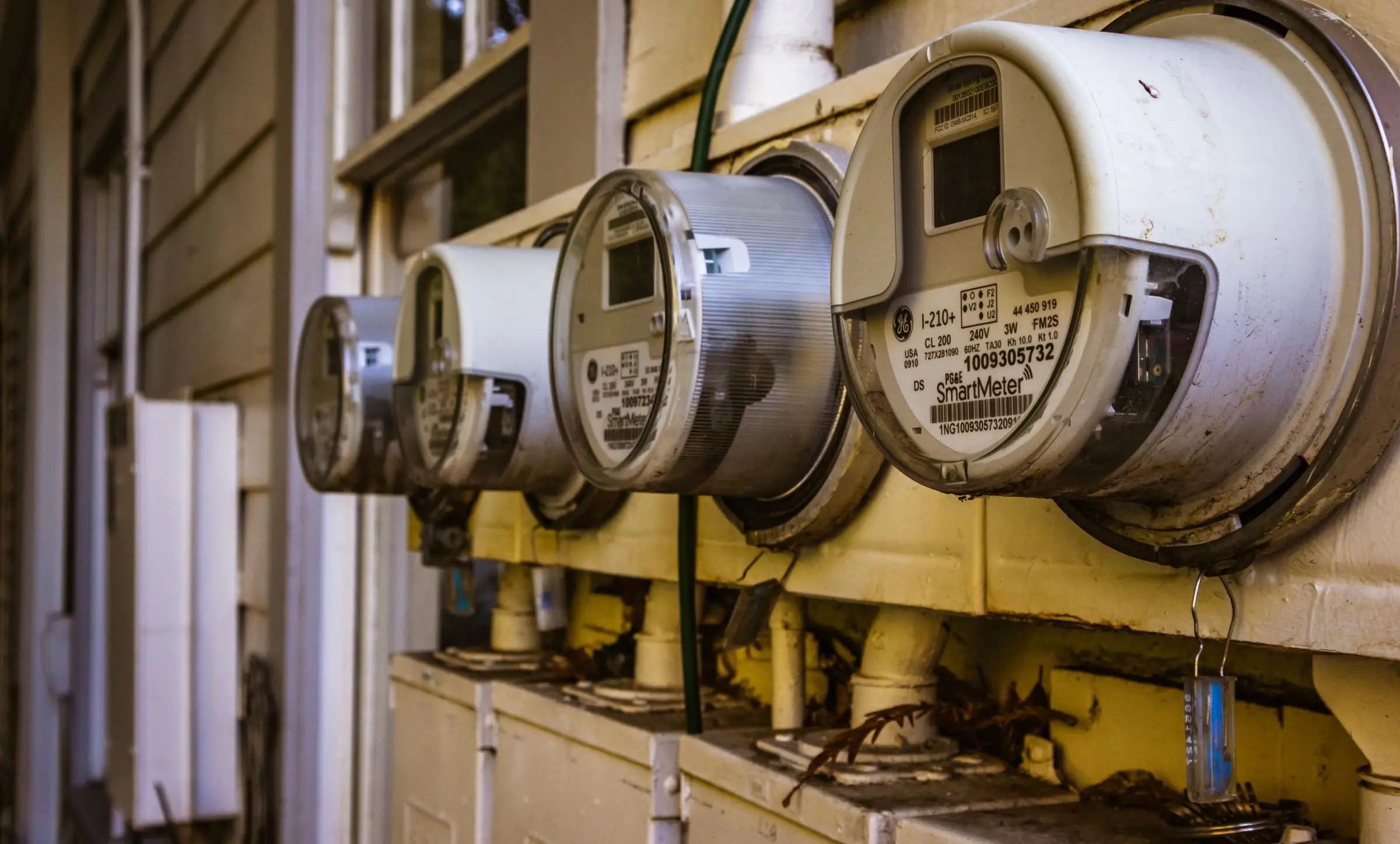
If your printer’s maker does not publish an average, a plug-in energy monitor will get you one in a single print. The method matters more than the meter.
- Plug the meter into the wall and the printer into the meter. Reset its energy counter.
- Start a print you would normally run, from cold, and let the meter log the whole job including heat-up.
- At the end, read the kWh total, not the live watts. Divide kWh by hours for your average power, or skip that and multiply kWh by your unit rate for the cost of that job.
- Repeat once with your hottest material. PLA and ABS figures differ by a factor of two or more on some machines, as the list above shows.
Read kWh and not amps. Bambu lists a power factor of 0.45 to 0.63 for the A1 and X1C on PLA. Power factor is the ratio of real power to volts times amps, so multiplying the amps reading by mains voltage would overstate real power by roughly 1.6 to 2.2 times. The meter’s kWh counter already accounts for this.
Then put your average watts and your tariff into the electricity cost calculator, or fold it into a full job price with the print cost calculator.
When it matters
For PLA on an ordinary machine it does not. At 2 to 5 pence an hour, electricity is a rounding error next to filament. If you pay £15 for a kilogram spool, a 100 g part carries £1.50 of plastic, and even a ten hour print adds only 28 pence of power on a P1S. It starts to matter with a heated chamber running ABS or PC around the clock, where 14 pence an hour is about £100 a month.
For electrical safety questions about sockets, leads and loads, follow the printer maker’s manual.